Receipt printers
Prints straight to a paired Bluetooth thermal printer. No printer app: pair it in the phone's Bluetooth settings and print.
ProtocolESC/POS
Paper58 / 80 mm
BrandsXprinter, Goojprt, MTP, Rongta, Epson TM
You can start with the devices you already own and pair compatible shop equipment as you need it. Review the printer, scanner and drawer setup before choosing hardware.
View this section on iNdex POS →No special terminal to lease. Pair an ordinary Bluetooth printer, scan with the phone's camera, and register the drawers and scanners each till uses.
Prints straight to a paired Bluetooth thermal printer. No printer app: pair it in the phone's Bluetooth settings and print.
Scan with the phone's rear camera at the till, or use a USB or Bluetooth scanner when you add products.
Register the drawer each till uses, and choose whether cash sales need an open, counted drawer first.
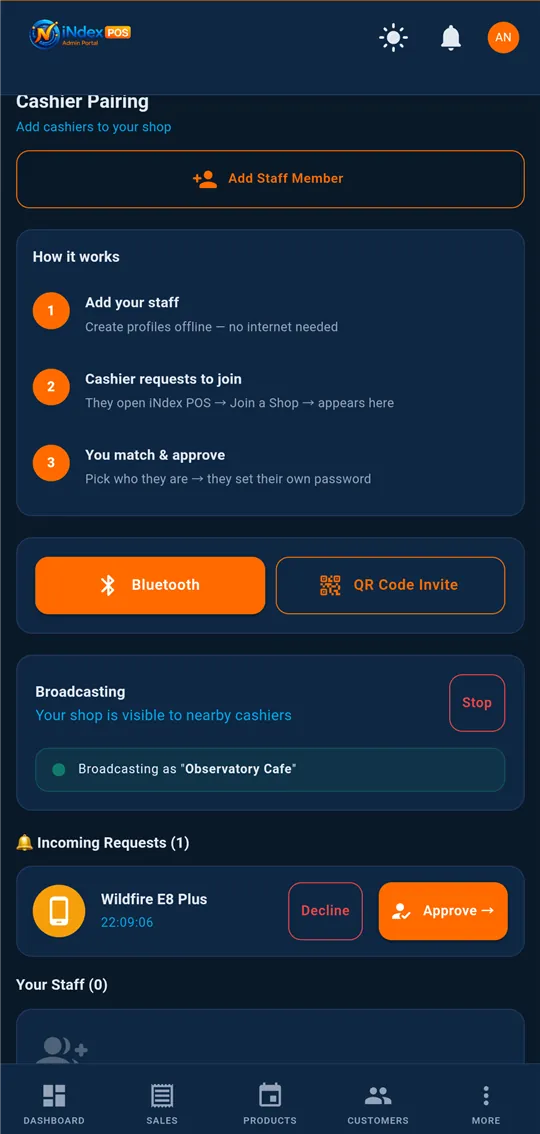
Cashier phones find the manager's phone over Bluetooth, then join its Wi-Fi hotspot automatically to pull products and push sales.
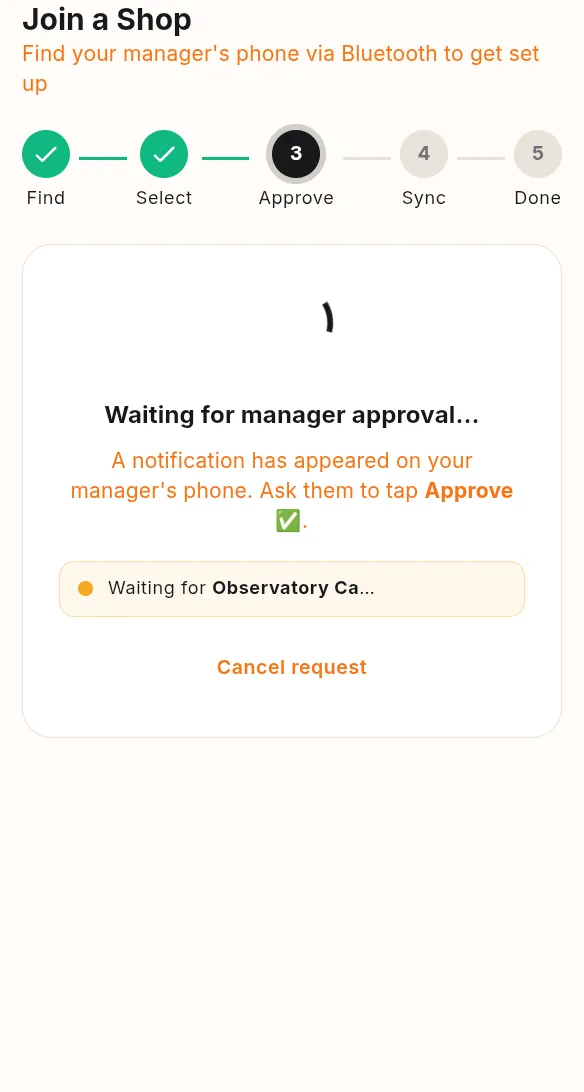
The cashier taps Join a Shop. Your phone gets the request and you tap Approve. After that, whenever the two phones are near each other, they sync on their own.