Times records when staff start and finish work, including teams that move between sites. Review the clock-in options and how attendance links to rosters and payroll.
Every tap goes through the same checks, whichever way staff clock in: roster windows, the geofence, duplicate taps and the site's time zone. Anything unusual lands in a Needs review queue for a manager. It is never quietly paid.
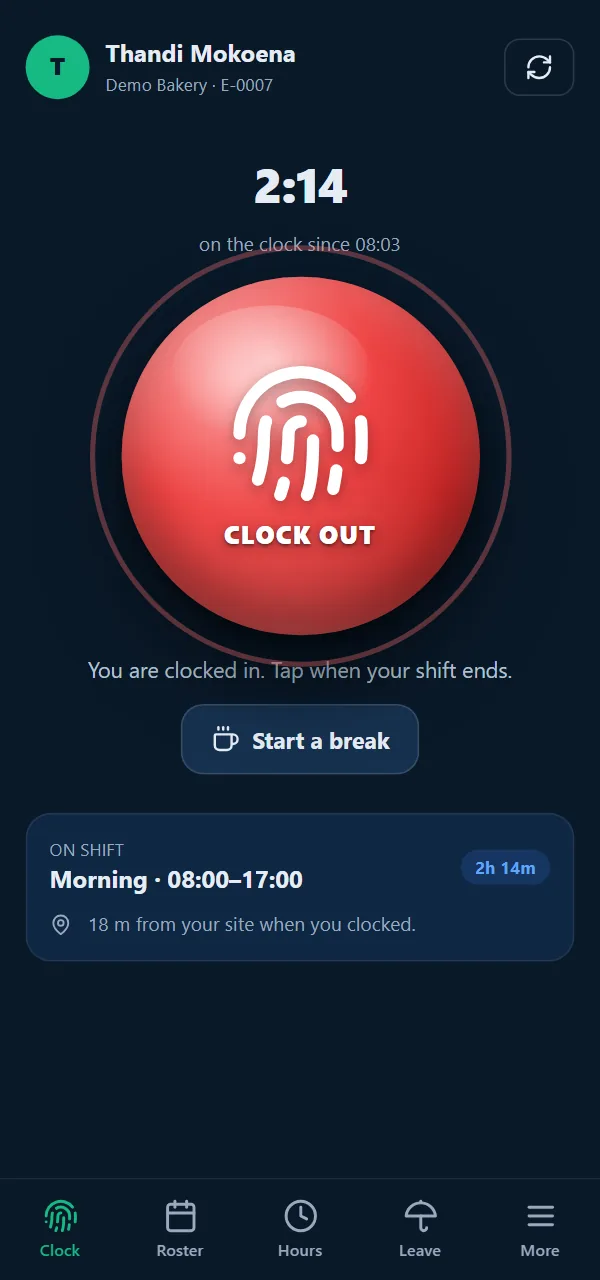
01 · Own phone
Tap the green button. GPS confirms they're on site.
Employees sign in once with a company code, their employee number and a personal PIN. The account works on one phone at a time.
The distance to the nearest site is measured at every clock-in, with up to 50 m extra allowed for GPS accuracy.
Outside the radius? You choose: refuse the clock-in, or accept it and flag it for review.
No signal? The tap is saved on the phone and sent later with its original time.
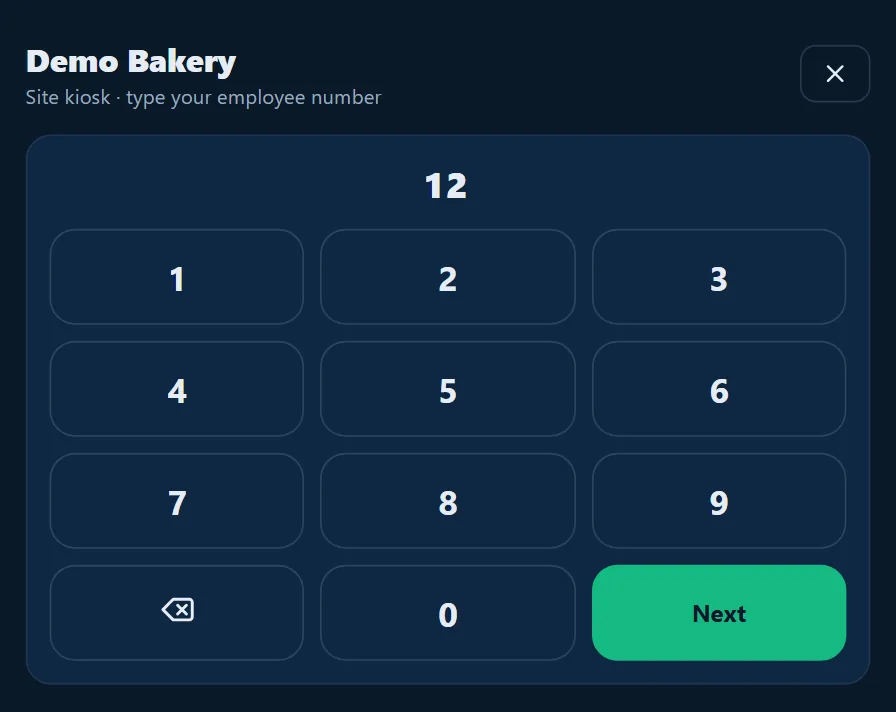
02 · Site kiosk
One tablet at the gate for the whole team.
Any signed-in device can become a site kiosk. Staff type their employee number and PIN, then tap Clock in, Start a break or Clock out. Six seconds later the screen is ready for the next person.
03 · iNdex POS till
The till is already the clock.
On iNdex POS, the Clock in / out screen takes the same employee number and PIN, so you need no extra hardware at the counter.
Clock in / out iNdex POS
123456789⌫0Next
Just the digits — "7" is fine for E-0007.
04 · WhatsApp
Clock in by message, in their own language.
Staff message the business's WhatsApp number to clock in or out, take a break, check their hours or roster, ask for leave or get their payslip. They can write in isiZulu, isiXhosa, Sesotho, Setswana, Afrikaans and more, and the assistant replies in English. The same geofence and roster rules apply, and you can switch it off for your business.
Demo Bakerybusiness account
Sawubona, ngifikile emsebenzini
Hi Thandi 👋 To clock in, share your location: tap 📎 → Location → Send your current location. I'll do the rest.
Location shared
Clocked in at 07:56 — Morning
The replies use the system's own wording.
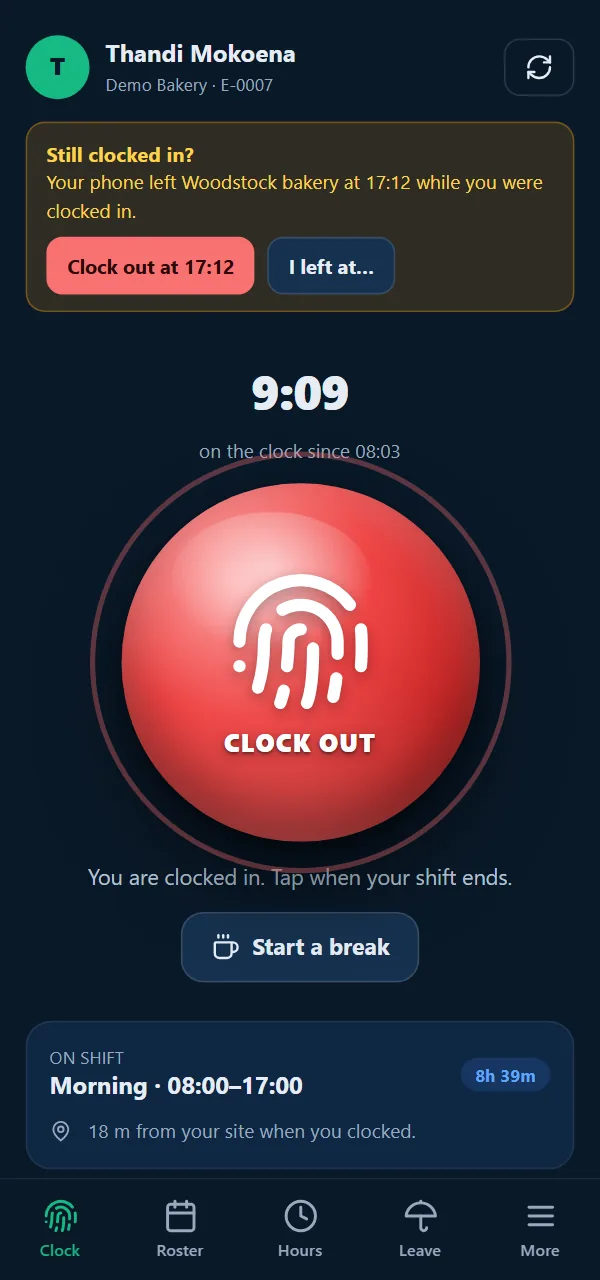
17:12The forgotten clock-out
Left at five. Clocked out at five, not midnight.
Forgotten clock-outs cause the classic timesheet dispute. Times treats them as something to check, not something to pay.
17:12
The phone leaves the site
While someone is clocked in, the app watches the site's geofence in the background on Android and iOS, and notes the time the phone leaves.
17:13
One tap to fix it
The app offers "Clock out at 17:12" or "I left at…". Nothing is clocked out automatically, and the manager can see that the employee reported the time.
Shift end
The backstop
If nobody acts, the server closes the shift after its scheduled end and flags it as a missing clock-out. The pay run can't be finalised until a manager has checked it.